


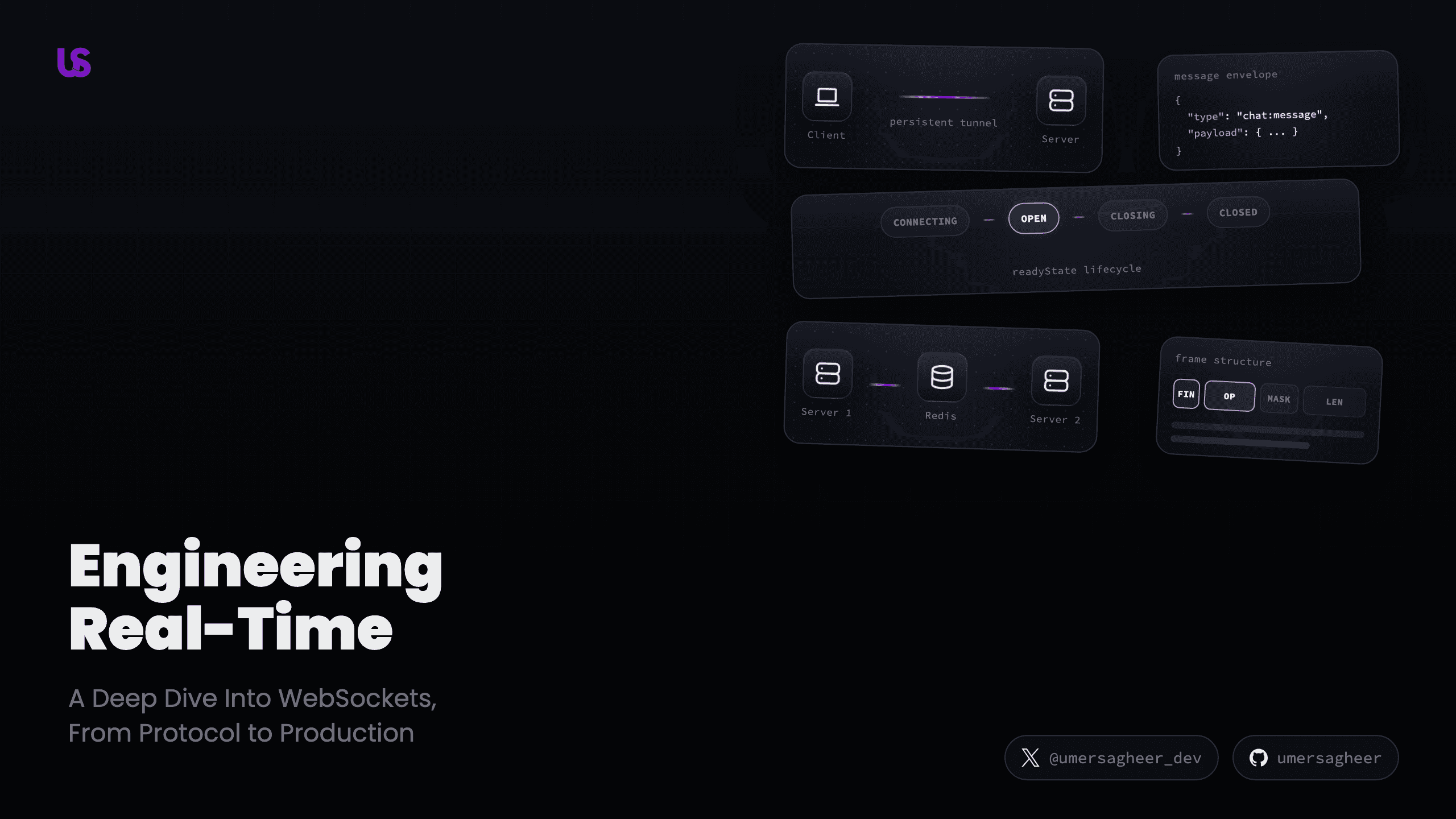
Every time you send a message on Discord, see someone typing in Slack, or watch a live stock ticker update, you're using WebSockets. But what actually happens when your browser opens a WebSocket connection? What does the data look like on the wire? And how do companies like Discord handle millions of concurrent connections?
Most tutorials stop at "use Socket.IO and call it a day." That's fine for shipping fast — but understanding what Socket.IO (or Ably, or Supabase Realtime, or Pusher) abstracts away makes you a significantly better engineer when things break, when you need to optimize, or when you need to build something these libraries don't support.
Let's go deeper.
HTTP vs WebSocket
HTTP is half-duplex — the client speaks, then waits for the server to respond. Every request opens a new TCP connection (or reuses one with keep-alive), sends headers, gets a response, and the connection effectively resets. Want real-time updates? You'd have to poll — hammering the server with "anything new?" every few seconds.
WebSockets flip this model. After a one-time handshake, a persistent, full-duplex tunnel stays open. Both sides can send data whenever they want, with minimal overhead per message. No more polling. No more wasted connections.
The HTTP Upgrade Handshake
Here's the surprising part: every WebSocket connection starts as a plain HTTP
request. The client sends a normal GET with a special set of headers asking
the server to upgrade the protocol.
Step through the WebSocket handshake
The key headers in the client's request:
Upgrade: websocket— "I want to switch to the WebSocket protocol"Connection: Upgrade— "This connection should be upgraded, not kept as HTTP"Sec-WebSocket-Key— A random base64-encoded 16-byte value. Not for security — it prevents caching proxies from replaying old WebSocket responsesSec-WebSocket-Version: 13— The protocol version defined in RFC 6455
The server responds with 101 Switching Protocols if it supports WebSockets.
The Sec-WebSocket-Accept header is computed by concatenating the client's key
with the magic GUID 258EAFA5-E914-47DA-95CA-C5AB0DC85B11, taking the SHA-1
hash, and base64-encoding the result. This proves the server actually
understands the WebSocket protocol and isn't just blindly proxying.
After the 101, the HTTP connection is gone. The same TCP socket is now a
WebSocket tunnel. And just like HTTP has HTTPS, WebSockets have WSS
(WebSocket Secure) — same TLS encryption, same certificates, wss:// instead of
ws://.
The Connection Lifecycle
Once the handshake completes, a WebSocket connection lives as a state machine with four states:
WebSocket Connection Lifecycle
Click a state to explore. Watch ping-pong heartbeats keep the connection alive.
Connection is open, ready to communicate.
Unlike HTTP, which is stateless (each request is independent), WebSocket connections are stateful. The server holds each connection in memory for as long as it's alive. This is both the power and the cost of WebSockets.
Ghost Connections
What happens if a client's laptop dies, their WiFi drops, or they close their browser tab without a graceful close? The TCP connection lingers — the server thinks the client is still there, holding resources for a dead connection.
This is why WebSockets include a ping-pong heartbeat mechanism. The server
periodically sends a PING frame (opcode 0x9), and the client must reply with
a PONG (opcode 0xA). If the server sends a few pings without getting a pong
back, it knows the client is gone and can clean up the connection.
Try the "Kill Client" button in the demo above to see this in action. The server detects the missing pong and transitions through CLOSING → CLOSED.
Frames & Opcodes: What Actually Travels the Wire
HTTP messages have headers and a body. WebSocket messages have frames. Every piece of data sent over a WebSocket is wrapped in a binary frame with a specific structure:
WebSocket Frame Structure
The opcode tells you what kind of frame it is:
0x0— Continuation frame (for fragmented messages)0x1— Text frame (UTF-8 data)0x2— Binary frame (raw bytes)0x8— Close frame0x9— Ping0xA— Pong
One important asymmetry: client-to-server frames must always be masked (the MASK bit is set, and a 4-byte masking key XORs the payload). Server-to-client frames are never masked. This isn't for encryption — it prevents malicious WebSocket clients from poisoning transparent proxy caches with crafted payloads that look like valid HTTP responses.
For messages larger than a single frame can carry, WebSocket supports
fragmentation. A large message gets split across multiple frames: the first
frame has the message opcode, subsequent frames use opcode 0x0 (continuation),
and the final frame has the FIN bit set.
Backpressure
There's a subtle problem in any streaming system: what if the producer sends data faster than the consumer can process it?
WebSocket connections expose a bufferedAmount property — a read-only value
showing how many bytes are queued but haven't been sent to the network yet. If
you're sending data in a loop without checking this, you'll eat up memory until
the process crashes.
function sendWithBackpressure(ws, data) {
  const MAX_BUFFERED = 1024 * 1024 // 1MB threshold

  if (ws.bufferedAmount > MAX_BUFFERED) {
    // Too much queued — wait before sending more
    setTimeout(() => sendWithBackpressure(ws, data), 100)
    return
  }

  ws.send(data)
}
In production, you'd typically implement this as a proper queue with drain events, but the principle is the same: check before you send.
The Envelope Pattern
When a WebSocket connection is open, you can send any text or binary data. But if you just send raw strings, the server has no way to know what the message means or how to route it.
The Envelope Pattern
Type a message and pick a type to see raw string vs structured envelope
Raw String
Just text. Server has no idea what to do with it.
Envelope
Self-describing. Server knows exactly how to route it.
The envelope pattern wraps every message in a self-describing structure.
Instead of sending "Hello team!", you send a JSON object with:
type— tells the server which handler should process this message (like an HTTP route)id— unique identifier for acknowledgement trackingtimestamp— when the message was createdpayload— the actual datametadata— contextual information (user ID, room, etc.)
This turns the WebSocket server into a switchboard: parse the type, route to the handler, process the payload. Without this structure, you'd need some other convention to distinguish between a chat message, a typing indicator, and a user join event — all arriving on the same connection.
And notice the overhead comparison: each HTTP request carries ~800 bytes of headers (cookies, user-agent, accept headers, etc.). A WebSocket envelope is ~120 bytes total, and that's the only overhead per message because the tunnel is already open.
Routing: Broadcast, Unicast, Multicast
Once you have structured messages, the next question is: who should receive them?
Message Routing Patterns
Toggle between patterns to see which clients receive the message
Three fundamental routing patterns:
Broadcast sends a message to every connected client. System announcements, global notifications, live scoreboards — any time everyone needs the same information. The server iterates through all connections and writes the message to each one.
Unicast sends a message to a single specific client. Direct messages, personalized notifications, one-on-one interactions. The server looks up the target client by their connection ID and sends only to them.
Multicast sends a message to a group of clients — a "room" or "channel." Discord text channels, game lobbies, collaborative document sessions. The server maintains a mapping of room → connections, and when a message targets that room, it fans out only to members.
Most real-time applications use all three. A chat app broadcasts system maintenance warnings, unicasts friend request notifications, and multicasts messages to individual chat rooms.
Acknowledgements
Here's something that trips up many developers: WebSocket is fire-and-forget at the application level.
Yes, TCP guarantees delivery at the transport level — packets will arrive in order, and lost packets get retransmitted. But TCP doesn't know about your application's messages. If the server receives a WebSocket frame and the handler throws an error while processing it, the client has no idea. As far as TCP is concerned, the data was delivered successfully.
The solution is application-level acknowledgements:
// Client sends with a message ID
ws.send(
  JSON.stringify({
    type: 'chat:message',
    id: 'msg_abc123',
    payload: { text: 'Hello!' }
  })
)

// Client starts a timeout
const timeout = setTimeout(() => {
  // No ack received — retry or notify user
  retryMessage('msg_abc123')
}, 5000)

// When server acks, clear the timeout
ws.onmessage = event => {
  const data = JSON.parse(event.data)
  if (data.type === 'ack' && data.id === 'msg_abc123') {
    clearTimeout(timeout)
  }
}
This pattern — send with ID, wait for ack, retry on timeout — is exactly what libraries like Socket.IO implement under the hood. Now you know why.
Scaling: Pub/Sub with Redis
Everything we've covered so far works perfectly on a single server. One Node.js process can handle tens of thousands of concurrent WebSocket connections. But what happens when you need to scale horizontally?
Scaling WebSockets with Pub/Sub
See why a single server works but horizontal scaling needs a message broker
The problem is straightforward: if Client A is connected to Server 1 and Client B is connected to Server 2, a message from A can't reach B. Server 1 doesn't have B's connection — it's on a different machine, in a different process, with its own memory space.
The solution is a message broker that sits between your servers. Redis Pub/Sub is the most common choice:
- Client A sends a message to Server 1
- Server 1 publishes the message to a Redis channel
- Server 2 is subscribed to that channel and receives the message
- Server 2 delivers the message to Client B
// On every server instance
const redisSub = redis.duplicate()
await redisSub.subscribe('chat:general', message => {
  // Forward to all local WebSocket clients in this room
  const parsed = JSON.parse(message)
  broadcastToRoom('general', parsed)
})

// When a message arrives via WebSocket
ws.on('message', async data => {
  const msg = JSON.parse(data)
  // Publish to Redis so ALL servers receive it
  await redis.publish('chat:general', data)
})
Redis isn't the only option. Kafka provides persistent message logs with replay capability. NATS is purpose-built for high-throughput pub/sub with minimal latency. RabbitMQ offers advanced routing with exchanges and queues. The right choice depends on your durability, ordering, and throughput requirements.
Beyond WebSockets
WebSockets aren't the only real-time protocol. Depending on your use case, alternatives might be a better fit:
Server-Sent Events (SSE) — One-way server-to-client streaming over plain
HTTP. Built-in auto-reconnect, works through most proxies, supported natively in
browsers via EventSource. If you only need server push (live feeds,
notifications), SSE is simpler than WebSockets.
WebRTC — Peer-to-peer connections for audio, video, and arbitrary data. Uses WebSocket only for the initial signaling (exchanging connection metadata), then data flows directly between peers. Essential for video calls, screen sharing, and P2P file transfer.
WebTransport — The future. Built on HTTP/3 and QUIC, it offers multiple independent streams (no head-of-line blocking), unreliable datagrams (for real-time gaming), and better congestion control. Still emerging, but it addresses many of WebSocket's limitations.
| Feature | WebSocket | SSE | WebRTC | WebTransport |
|---|---|---|---|---|
| Direction | Bidirectional | Server → Client | P2P | Bidirectional |
| Protocol | TCP | HTTP | UDP (DTLS) | QUIC (HTTP/3) |
| Reconnect | Manual | Automatic | Manual | Automatic |
| Best for | Chat, collab | Live feeds | Video/audio | Gaming, streaming |
Wrapping Up
WebSockets are one of those technologies that seem simple on the surface —
new WebSocket(url) and you're done — but understanding the layers underneath
gives you real power. You now know how the handshake works, why heartbeats
matter, what frames look like on the wire, how to structure messages, route them
to the right clients, and scale across multiple servers.
The next time something goes wrong with your real-time features — messages not arriving, connections dropping silently, performance degrading at scale — you'll know exactly where to look.
Further Reading
- RFC 6455 — The WebSocket Protocol specification
- MDN WebSocket API — Browser API reference
- The WebSocket Handbook — Practical guide to WebSocket development
- javascript.info: WebSocket — Clear tutorial with examples
- System Design: Chat Application — How WhatsApp-scale messaging works